
NEWS
watchOS 27 Locks the Crown Gesture to Two New Watches
watchOS 27 steals the Digital Crown double-press from every Apple Watch for Live Rewind, a Series 12 and Ultra 4 tool that has not shipped.

watchOS 27, released September 14, takes the Digital Crown double-press from every supported Apple Watch and parks it for Live Rewind.
That speech tool is exclusive to Apple Watch Series 12 and Apple Watch Ultra 4, and Apple says it arrives later in 2026. Until then, a double-press opens the same new app grid as a single click.
Double-Pressing the Crown No Longer Switches Apps
On watchOS 26 and earlier, a double-press of the Digital Crown opened the App Switcher. You jumped back to the last app, scrolled recent ones, and swiped a card away to force-quit something stuck.
watchOS 27 gives that click to Live Rewind. On the public software, the double-press does not transcribe anything. It does not switch apps either. It opens the dynamic app grid, the same destination as a single press.
Owners who still need to kill a frozen app have a slower path. Open the stuck app, hold the side button until the power sliders appear, then hold the Digital Crown until the watch face or app view returns.
A watchOS 27.2 beta already brings the App Switcher back, with a different move. Long-press the bottom of the screen inside an app, then turn the Crown through recent cards. The double-press stays reserved. Apple has said the App Switcher returns in watchOS 27.2 later this year. It has not said when that build leaves beta.
CROWN AND WRIST CONTROLS IN WATCHOS 27
- Single Crown press: Opens the dynamic app grid, with the Siri app in the middle.
- Double Crown press: Opens that same grid for now; later it is Live Rewind on Series 12 and Ultra 4.
- Tap (index and thumb): Opens the highlighted Smart Stack widget.
- Double Tap: Still moves through the Smart Stack.
- Wrist Flick: Still dismisses notifications.
- Long-press the bottom of an app: Opens the App Switcher in the watchOS 27.2 beta.
The new Tap gesture is the one addition that helps on every supported watch. A single pinch of index finger and thumb selects the widget Double Tap has highlighted, so one-handed stack use no longer stops at scrolling.
What Live Rewind Will Do on Two New Watches
Live Rewind will show a transcript of the last 15 seconds of nearby speech when you double-press the Digital Crown on Apple Watch Series 12 or Apple Watch Ultra 4. You can ask Siri about that snippet or save it to the Siri app. It is not in the first watchOS 27 builds.
Live Rewind only activates when you deliberately double-press the Digital Crown. It only shows the last 15 seconds of speech as a text snippet on your display. It doesn’t continue to transcribe in the background, nor does it save the text unless you choose to ask Siri about the content or save it to the Siri app.
Apple Support, About Audio Intelligence features on Apple Watch Series 12 and Apple Watch Ultra 4
Apple put the chime in on purpose. When Live Rewind fires, the watch speaker plays an audible alert even if the watch is on silent or headphones are connected, and a full-display animation plus a microphone indicator appear. Snippets vanish about 30 seconds after the display dims unless you save them. Apple says audio is not stored; it is processed in the S11 chip’s Secure Exclave and deleted.
Siri Recap is the quieter sibling. It will jot high-level summaries of conversations through the day and auto-delete them after 7 days if you do not save them. Both tools need Apple Intelligence and Siri AI, start in English, and stay off for users under 13. A parent must turn them on for a child account under 18.
WHAT WE KNOW
- The hardware gate: Live Rewind and Siri Recap need Apple Watch Series 12 or Apple Watch Ultra 4.
- The phone gate: Apple’s list starts at iPhone 16 and includes later 17, 18 Pro, Air, and Duo models, plus Apple Intelligence.
- The timing: Apple says both arrive in beta later this year, starting with English.
WHAT IS UNCONFIRMED
- Public 27.2 date: The App Switcher is in a beta with a new gesture; Apple has not named a ship week.
- EU Siri AI: Apple says Siri AI will not initially be available in the EU on watchOS, iOS, or iPadOS.
Series 12 and Ultra 4 owners are not ahead at the wrist yet. Until Live Rewind lands, their double-press is as empty as everyone else’s. Older supported watches will never get the transcript. They still lost the switcher on day one.
Siri Moves to the Center of the Home Screen
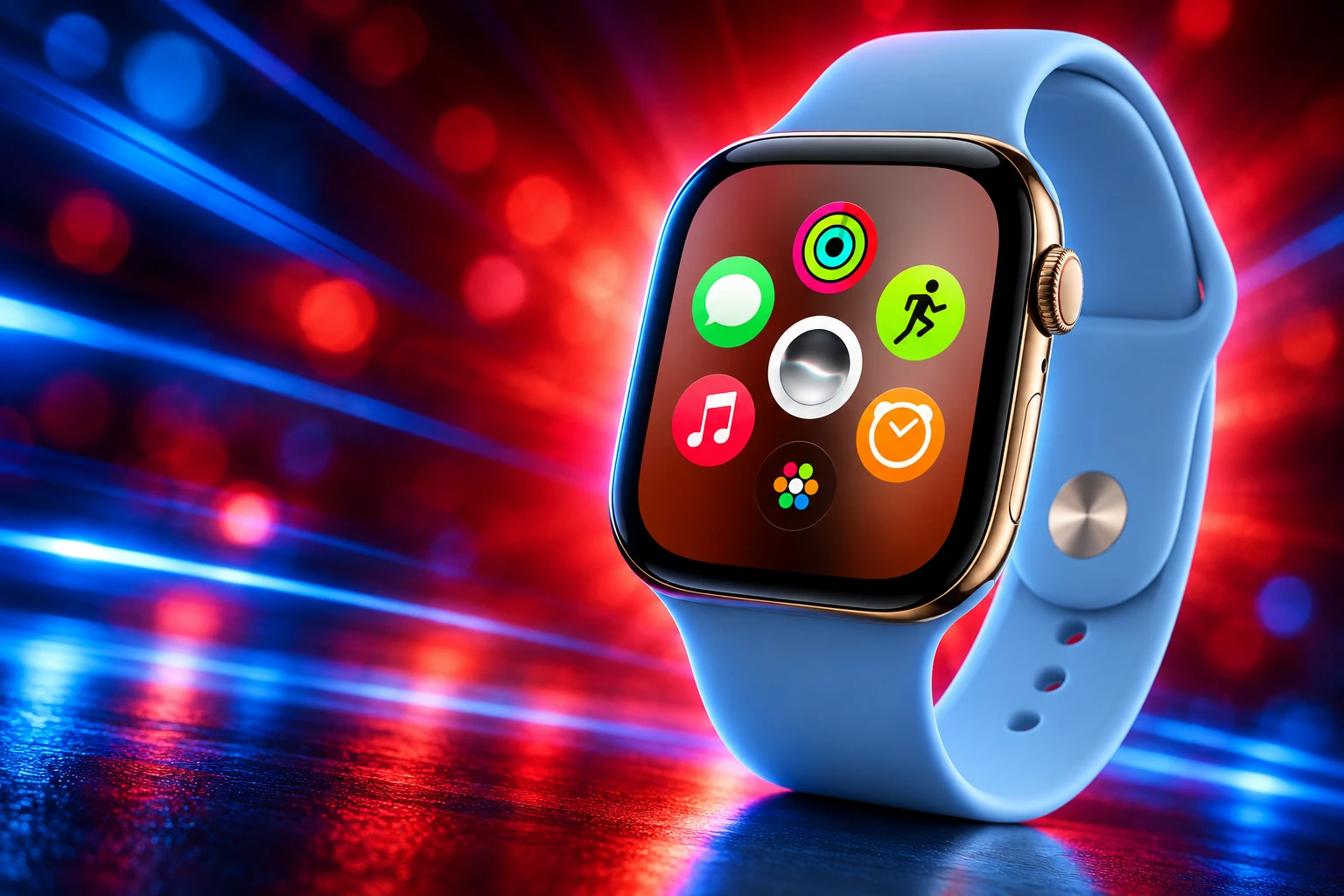
The software Apple is willing to ship now is built around Siri. Pressing the Digital Crown no longer drops you into the old honeycomb by default. watchOS 27 shows a dynamic grid of suggested, most-used, and recently used apps, and the Siri app stays in the middle. Turn the Crown and the full alphabetical list is still there.
Apple’s dedicated Siri app that syncs conversations collects threads in one view and moves them privately over iCloud. Ask something on iPhone and pick it up on the watch. Pin a thread, or start a new one from the wrist. Siri AI is rolling out in English, usage limits may apply, and Apple says you can ask open-ended questions, pull personal context such as a door code, and take actions in apps, including a new Activity ring goal.
The new Siri watch face is the quieter layout change. Its rectangular complication shows whatever sits at the top of the Smart Stack and updates through the day from time, location, and other signals. The stack itself now talks more often.
NEW SMART STACK PROMPTS
- Parked car: A widget can surface where you left the car.
- People and dates: A close contact’s birthday, celebrations, and pinned messages can rise on their own.
- Transit and Wallet: A change in transit card balance, plus identity cards, can appear when they matter.
- Alerts that linger: The Noise app can follow a loud-noise warning, and Theater Mode can remind you it is still on.
The grid will feel faster if you live in four or five apps. If you bounce between a workout, music, messages, and a timer by muscle memory, the missing switcher is the change you hit first, and Siri sitting in the middle of the launcher is the change you see every time you press the Crown.
The App Apple Deleted Without a Replacement
Walkie-Talkie is not hidden in a folder. After the update it is gone from the app list and Control Center, and you cannot put it back from the App Store. Stay on watchOS 26 and you keep it, but you cannot start a session with someone who has already moved to 27.
The app launched with watchOS 5 in 2018 as push-to-talk between two Apple Watches over Wi-Fi or cellular, using FaceTime behind the scenes. In 2019 Apple disabled it after a bug that could let someone listen through another customer’s iPhone, then restored it in watchOS 5.3. It then sat for years with almost no new work. Apple has not said why it finally pulled the app.
WALKIE-TALKIE ON APPLE WATCH
- 2018: Walkie-Talkie launches with watchOS 5 as watch-to-watch push-to-talk over Wi-Fi or cellular.
- 2019: Apple disables the app after a bug that could allow eavesdropping, then restores it in watchOS 5.3.
- June 2026: The app is missing from the first watchOS 27 developer beta, with no App Store reinstall path.
- September 14, 2026: Public watchOS 27 ships without Walkie-Talkie on every supported model.
The hole is narrow and stubborn. At least one independent developer has already mocked a replacement that runs on the watch and the phone, which the old app never did. That is a lot of work for a tool Apple treated as a leftover. It is also a sign the people who used the yellow face icon used it on purpose.
Find My is the other app change, and it is a merge rather than a deletion. Find Devices, Find Items, and Find People collapse into one Find My app with a map-first layout and shortcuts for directions and nearby items. You lose three icons and gain one map. You do not get Walkie-Talkie back as a tile on that map.
Workout Buddy Now Runs Without the Phone
Fitness is where watchOS 27 pays older hardware back a little. Workout Buddy, which needed an iPhone in range in watchOS 26, can now run from the watch over Wi-Fi or cellular. Apple also says it pulls more from training history, including gradual gains in pace, distance, and workout duration, and it now speaks Spanish as well as English.
Apple’s health briefing puts Workout Buddy without a nearby iPhone on the same list as the Cycle Tracking expansion. Indoor distance is the other wrist-level fix. New machine learning motion models measure treadmill walks and runs more closely from the first step, instead of settling after a few minutes. Route maps in Fitness tighten up, and step counts finally stay in sync between the Fitness and Health apps.
Treadmill Distance Starts Accurate on Step One
Gym runners have lived with a watch that needed a few minutes to decide how far the belt had moved. Apple now says the new models of motion math apply from step one. That help is in the software update, not only in the new cases, which is the rare watchOS 27 change that does not ask you to buy a Series 12.
Cycle Tracking Adds Perimenopause Alerts After 40
Cycle Tracking in the Health app can now notify you when logged patterns look like perimenopause, and it adds symptom tracking plus educational articles. The alerts use your logged cycle history and apply to users aged 40 and over. If you log bleeding after menopause, Apple says you get a prompt to speak with a doctor. Apple also says the feature is not birth control and not a diagnosis, and that it is not available in all regions.
Now, users age 40 and over can receive a notification if a deviation in their logged cycle patterns is suggestive of perimenopause, so they can speak to their doctor about it at their next appointment.
Apple, Health and Fitness announcement, September 9, 2026
WHAT EACH WATCH GETS IN WATCHOS 27
| Feature | Every watchOS 27 watch | Series 12 and Ultra 4 only |
|---|---|---|
| Siri app and dynamic app grid | Yes | Yes |
| Tap gesture and richer Smart Stack | Yes | Yes |
| Workout Buddy over Wi-Fi or cellular | Yes | Yes |
| Perimenopause cycle alerts (age 40+) | Yes | Yes |
| Treadmill distance from the first step | Yes | Yes |
| Walkie-Talkie | Removed | Removed |
| App Switcher on Crown double-press | Removed | Held for Live Rewind |
| Live Rewind (15-second transcript) | No | Later this year |
| Live Steps complication | No | Yes |
Read that table as a bill. The shared column is real software. The right-hand column is why the Crown click disappeared for everyone else.
A Live Steps Complication on the Newest Cases
On Apple Watch Series 12 and Apple Watch Ultra 4, a redesigned pedometer model and the S11 chip feed more accurate step counts. Those two watches also get a new Steps complication that tracks steps in real time on the face. Apple has not said the complication is coming to Series 11, Ultra 3, or SE 3.
The Health Sensing System on those new cases is a separate hardware story, with heart rate sampled every five seconds and a daily readiness score. watchOS 27 still installs without that silicon. It just will not give you the live step tile or the 15-second transcript, and it still takes Walkie-Talkie and the old Crown shortcut on the way in.
Which Apple Watch Models Get watchOS 27
watchOS 27 runs on Apple Watch SE 3, Series 9, Series 10, Series 11, Series 12, Ultra 2, Ultra 3, and Ultra 4. It needs an iPhone 11 or later with iOS 27, or an iPhone SE (2nd generation or later) on the same iOS build. Series 6, Series 7, Series 8, SE 2, and the first Ultra are out of the update. Those five still pair with an iPhone on iOS 27 and still get security fixes.
WATCHOS 27 SUPPORT
| Apple Watch | watchOS 27 | Live Rewind later |
|---|---|---|
| SE 3, Series 9, 10, 11, Ultra 2, Ultra 3 | Yes | No |
| Series 12, Ultra 4 | Yes | Yes, in a later beta |
| Series 6, 7, 8, SE 2, Ultra (1st gen) | No | No |
To install on a supported watch, open the Watch app on iPhone, tap General, then Software Update, put the watch on a charger, and follow the prompts.
The Siri app, the tap gesture, the phone-free Workout Buddy, and the cycle alerts are the parts of watchOS 27 that show up on a Series 9 the same day they show up on a Series 12. Live Rewind is not one of those parts. Until it ships, a double-press of the Digital Crown on every watchOS 27 device still opens the same dynamic grid as a single press.
Disclaimer: This article is news reporting on Apple’s watchOS 27 software and related Health features. It is informational only and is not medical advice, a diagnosis, or a treatment plan. Cycle Tracking alerts about possible perimenopause or postmenopausal bleeding are not a substitute for care from a qualified clinician, such as a physician or gynaecologist, and Apple states the feature is not birth control and not a diagnosis. Feature availability, language support, and device requirements can change after the dates in Apple’s own pages and support documents.

Edinburgh Opens a 2027 Tour Built for Time Trials

Korda Maps Auður From Meðalland to Irvine Bay

Apple Music Films Its New Logo in Mineral Oil

Oppo Prices the Pad Mini Above India’s iPad Mini

Austen Soaks Scotland Before Boelo Brings Weekend Gales

Volkswagen Sells the Osnabruck Plant to Clear a Board Fight

Apple’s Foldable iPhone Hinges on Samsung Display Supply

Saksham Gaur Finds He Is His Own Company’s Client

Tata Motors’ Iveco Tender Opens as Holders Still Decide

Onimusha Way of the Sword Preload Hits a Windows 11 Wall
-
 AUTO2 months ago
Volkswagen Sells the Osnabruck Plant to Clear a Board Fight
-
 NEWS2 months ago
Apple’s Foldable iPhone Hinges on Samsung Display Supply
-
 AUTO2 months ago
Tata Motors’ Iveco Tender Opens as Holders Still Decide
-
 BUSINESS2 months ago
Saksham Gaur Finds He Is His Own Company’s Client
-
 GAMING2 months ago
Onimusha Way of the Sword Preload Hits a Windows 11 Wall
-

 ENTERTAINMENT3 years ago
What is SD on Amazon Prime? – All You Need to Know
-

 BUSINESS2 months ago
Hyderabad 22-Carat Gold Jumps After a False Bargain
-

 NEWS2 months ago
iQOO 16 Locks 8,400 mAh While 100W Charging Holds