
NEWS
Windows 11 26H2 Arrived With a Live AC-3 Crash
Windows 11 26H2 went generally available already carrying KB5124010’s AC-3 decoder crash, which also hits 24H2 and 25H2, with no official workaround.

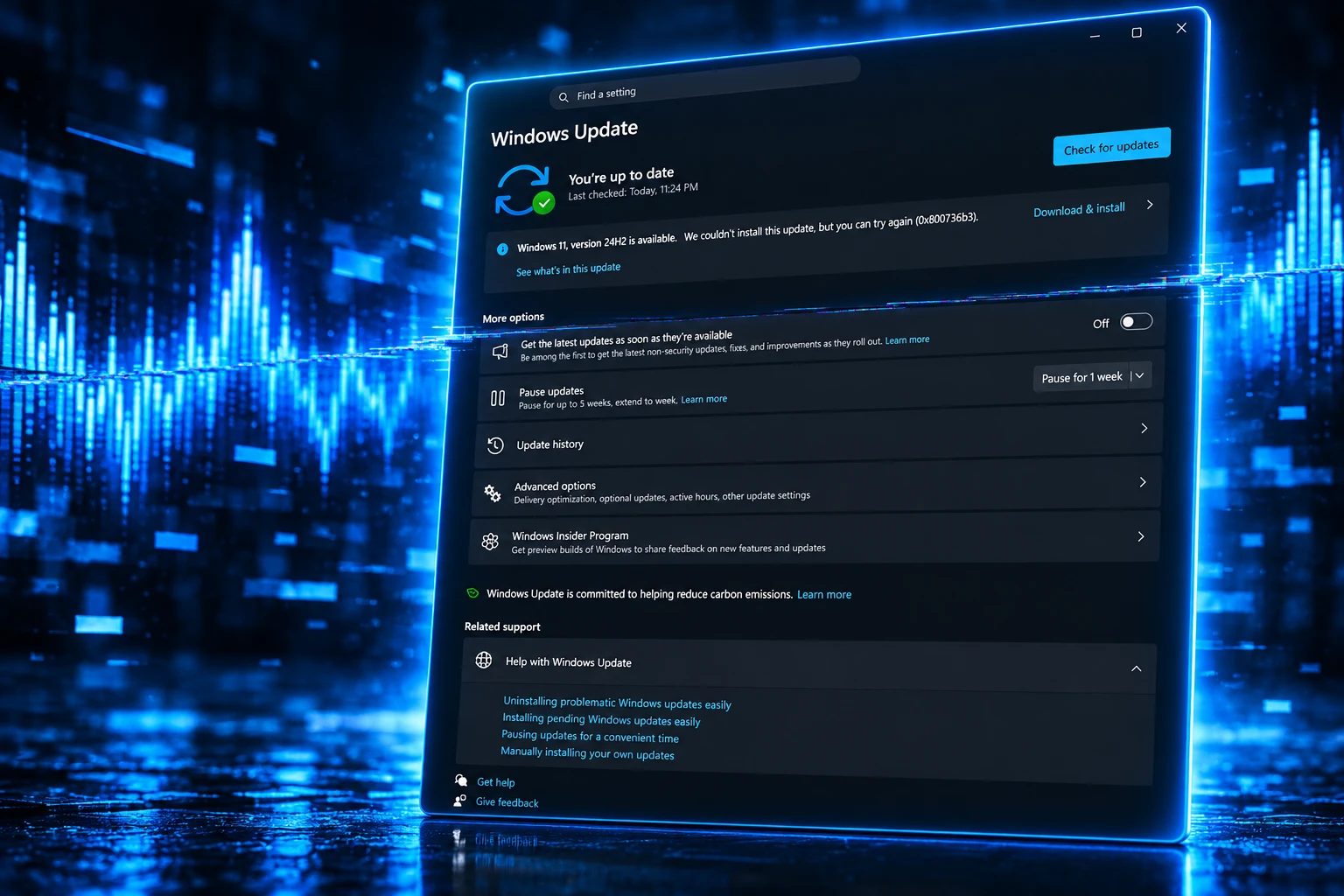
Microsoft confirmed on October 2 that Windows 11 updates released on September 22, 2026 can close games and apps that decode AC-3 (Dolby Digital) audio. The defect is listed for versions 24H2, 25H2 and 26H2.
Version 26H2 reached general availability on September 29, a week after that preview, and the company still lists no workaround. A future Windows update is the only official repair it has promised.
Microsoft Logged the Crash 10 Days After the Preview
The originating package is the September 22 preview update KB5124010, a non-security optional cumulative. It moved 26H2 to OS build 26300.9550, 25H2 to 26200.9550, and 24H2 to 26100.9550. Microsoft opened the known issue at 15:06 PT on October 2 and last updated it 35 minutes later, at 15:41 PT.
On October 3 it added the same item to the KB5124010 support page. The health note covers updates from September 22 “and later,” so a newer cumulative that still contains that code can keep the crash alive even if the original KB is no longer the top line in Update history.
Incidence of this issue depends on the activity that these applications perform. In some cases the application can fail to launch, or close without warning. In other cases the application will work normally until certain features are used, such as playing music.
Microsoft, Windows 11, version 26H2 known issues
Affected software “may vary and can include games, media players, and certain productivity applications,” the company wrote. It also said many modern apps will not hit the bug because they decode this codec themselves, and that the Windows component is used most often by older programs that still lean on the built-in decoder.
The confirmed AC-3 decoder crash listing names no game, names no file, and offers no fix date. “We are working on releasing a resolution for this issue in a future Windows update,” Microsoft said. “We will provide an update when more information is available.”
THE TWO WEEKS AFTER THE SEPTEMBER 22 PREVIEW
- September 22, 2026: Microsoft ships KB5124010 as an optional preview for Windows 11 24H2, 25H2 and, once 26H2 exists, that version too.
- September 23, 2026: WARDOGS Updates names KB5124010 as the likely cause of a WD-L020 launch crash and says rolling it back is optional and at the player’s own risk.
- September 25, 2026: A Fallout: New Vegas Steam thread describes a 25H2 PC on build 26200.9550 crashing on New Game, including with Tale of Two Wastelands 3.4.
- September 29, 2026: Windows 11 26H2 reaches general availability as a phased enablement rollout.
- September 30, 2026: BULKHEAD ships WARDOGS Update 0.1.2, which fixes the KB5124010-linked WD-L020 crash.
- October 2, 2026: Microsoft opens the AC-3 known issue as Confirmed, with no workaround.
- October 3, 2026: The KB5124010 support changelog adds the AC-3 crash as a known issue.
That calendar is the whole bind. The new Windows version was already in the wild for three days before Microsoft wrote the crash down, and ten days after the preview that introduced it.
The Same Decoder Bug Is on 24H2 and 25H2
Calling this a 26H2 story is how it is being sold. Microsoft’s own platform list is wider, and it names no Windows Server SKU at all.
WHICH WINDOWS 11 VERSIONS CARRY THE AC-3 CRASH
| Windows 11 version | OS build after KB5124010 | AC-3 status |
|---|---|---|
| 26H2 | 26300.9550 | Confirmed, no workaround |
| 25H2 | 26200.9550 | Confirmed, no workaround |
| 24H2 | 26100.9550 | Confirmed, no workaround |
26H2 itself is not a full rebase. Microsoft’s September 29 status note says the version contains the recently announced 25H2 and 24H2 features and is delivered with servicing technology, so install is meant to be a fast enablement and a single restart. The AC-3 crash travelled with that shared code, which is why a 25H2 gaming PC can fall over without ever taking 26H2.
The people most likely to have both the preview and 26H2 are the ones who turned on the Get the latest updates setting. Microsoft said 26H2 would then download and install automatically on eligible 24H2 and 25H2 devices, with the rollout expanding over the following months. KB5124010 is also logged as the final preview package for 24H2, which keeps supported 24H2 editions on monthly security updates under their normal lifecycle but ends that preview stream.
Fallout New Vegas Still Dies on Windows Audio
Microsoft will not name titles. Players did, and the loudest documented case is Fallout: New Vegas, a 2010 game whose PC community still runs heavy mods and the Tale of Two Wastelands pack.
A September 25 Steam post from a player named Anlion said the game reached the main menu on Windows 11 25H2, then crashed as soon as New Game was selected. The machine was on KB5124010 and build 26200.9550. Crash Logger did not catch a normal stack, and the break survived a return to default files. Uninstalling KB5124010 and restarting restored the game, according to that post and later replies in the same thread.
On the New Vegas subreddit, players described a different shape of the same failure: the game had been stable, no mods had changed, then after the preview almost every save dropped to the desktop with no error dialog. One write-up said crash timing scaled with area density, about 20 seconds near the Strip and about 60 seconds near the NCR Embassy, with loads inside the Lucky 38 failing outright and fast travel also triggering it. Uninstalling the update stopped the crashes immediately for that player.
The same community keeps pointing at msmpeg2ac3dec.dll, the Microsoft DTV-DVD Audio Decoder, as the file in Event Viewer. Microsoft has not named that DLL in the health article, so it remains a player diagnosis, not an official root cause. It does line up with what the company did say: older software that still asks Windows to decode AC-3 is the group most likely to die, and music playback is the example Microsoft chose for a trigger.
Users have also named SimCity 4 and the business suite innovaphone myApps. Those reports sit outside Microsoft’s document. Other crash waves after the same preview, including some Battlefield 6 launches, have not been tied by Microsoft to AC-3, so they should not be folded into this decoder bug without a separate confirmation.
One New Vegas player wrote that pulling the update was not enough on their machine and that they reinstalled Windows from USB ISO media while keeping files and apps. That is a single account, not a pattern Microsoft has logged against AC-3.
Wardogs Patched the Launch Crash in 0.1.2
Newer games can move. WARDOGS, the early-access shooter from BULKHEAD and publisher Team17, hit a launch error, WD-L020, as soon as KB5124010 landed. On September 23 the game’s updates account named the Windows preview, said the team was working on a fix, and told players they could roll the update back if they did not want to wait, at their own risk.
📢 PSA 'WD-L020 Crash Error'
We are aware that some players have recently started encountering a WD-L020 error when launching WARDOGS. Our preliminary investigation has identified a potential compatibility issue related to the latest Windows 11 update, KB5124010. Microsoft lists…
— WARDOGS Updates (@WARDOGSUpdates) September 23, 2026
Replies treated it as another optional Windows package breaking a working install, not as a bad WARDOGS build, which matches how the studio framed it. Team17 Support posted the same cause on Steam and walked players through Settings, Windows Update, Update history, Uninstall updates.
On September 30, WARDOGS Update 0.1.2 shipped with a direct line in the notes: it fixed the issue linked to Windows 11 update KB5124010 that was causing WD-L020 crashes. Maintenance was scheduled for 8:00 AM UTC that day and was expected to last about an hour. Anyone still on that error code after 0.1.2 is in a different bucket, because the studio has other launch codes (WD-L014 and WD-L018 among them) still listed as separate work.
That split is the leftover damage. A live-service PC game can ship a compatibility patch in a week. A 16-year-old RPG that still calls Windows for Dolby Digital cannot, and neither can a small business app that never bundled its own decoder.
USB Headsets Were Already on the Issues List
AC-3 is not the only audio problem on the 26H2 health page. After the September 8 update, Microsoft logged a separate fault in which some USB Audio Class 1.0 devices fail to start or make no sound. Device Manager can show Code 10, volume can sit at zero, and sound settings can stop responding. That issue is marked Mitigated, was opened on September 11, and was last updated on September 29. Microsoft told IT admins who still needed a workaround to contact Microsoft Support for Business.
WINDOWS 11 26H2 AUDIO AND SIGN-IN ISSUES ON THE HEALTH PAGE
- AC-3 app crash: Confirmed on October 2, originating with KB5124010, and Microsoft lists no workaround.
- USB Audio Class 1.0: Mitigated; Code 10, no output, or volume stuck at zero on that older USB audio class.
- Black screen after sign-in: Mitigated, seen mainly on Azure Virtual Desktop hosts using FSLogix, not as a consumer boot-logo failure.
- Domain trust break: Mitigated; 26H2 began honoring Machine Identity Isolation settings that only work against Windows Server 2025 domain controllers.
The black-screen item matters because of what Microsoft was willing to ship for it. The company posted a Known Issue Rollback package named around KB5124010 for 26H2, 25H2 and 24H2, plus a Group Policy that turns the bad change off until a later repair. Users can also start explorer.exe by hand from Task Manager. For the AC-3 crash, that toolkit is absent. Same update family, no KIR, no registry steps, no “try this decoder instead” note.
How to Remove KB5124010 Without a Full Reinstall
Microsoft’s AC-3 article does not tell you to uninstall anything. Studio support and player threads do, because the package is an optional preview, not the month’s security rollup. Removing it does not, by itself, skip Patch Tuesday. It also does not require dropping 26H2. The enablement package that flips 24H2 or 25H2 into 26H2 is a different item (often discussed as KB5121794), and mixing those two uninstalls is how people talk themselves into a full reset they may not need.
HOW TO PULL KB5124010 FROM WINDOWS UPDATE
- The Settings path: Open Settings, Windows Update, Update history, then Uninstall updates, select KB5124010, uninstall, and restart.
- If the desktop will not load: Force the PC off twice at the logo to reach Windows Recovery, then use Troubleshoot, Advanced options, Uninstall updates; have a BitLocker key ready on encrypted drives.
- If KB5124010 is gone from the list: A later cumulative may already have replaced it, and Microsoft’s “and later” wording means the crash can still be present until a repaired package arrives.
- After it is gone: Turn off Get the latest updates as soon as they are available if you do not want the next preview to land the same way, then wait for Microsoft’s promised repair before turning that switch back on.
Some players have installed a third-party AC-3 decoder such as LAV Filters so older DirectShow apps never call the Windows path. That is an unofficial workaround, and Microsoft has not endorsed it. Media players that already decode Dolby Digital themselves, including VLC, sit outside the broken component by design, which is why a film file can play in one app and crash another on the same PC.
Do not pause Windows Update for months. The AC-3 bug is nasty on a handful of programs; sitting off the monthly security stream is a different risk. Resume once Microsoft ships a repaired cumulative, which it has not dated.
Intune Cannot Filter PCs by This KB Number
Home users can hunt one PC at a time. A fleet cannot. Admins looking at crash telemetry after KB5124010 have been pointing out that Intune dynamic groups cannot be filtered by KB number, so you hunt by OS build (26100.9550, 26200.9550, 26300.9550) or by the crashing app instead. WSUS can decline the preview before it lands. Once it is installed, uninstall is still a manual or scripted pass, not a neat policy toggle, and Microsoft published no KIR for this decoder fault to lean on.
That is why an optional preview is a sharper problem than the word optional suggests. On a home PC it arrives because someone enabled fast updates, or clicked Install on a recommended optional card. In a company it can slip through any ring that still allows non-security previews, then show up as “the finance app closes” or “the old training game dies,” which is not how most helpdesks file a Windows servicing defect.
WARDOGS is already off this particular hook. Fallout: New Vegas is not, unless its owners keep the September 22 package off the machine. Microsoft’s 26H2 health page still says it will provide an update when more information is available, the same sentence it posted on October 2.

Edinburgh Opens a 2027 Tour Built for Time Trials

Korda Maps Auður From Meðalland to Irvine Bay

Apple Music Films Its New Logo in Mineral Oil

Oppo Prices the Pad Mini Above India’s iPad Mini

Austen Soaks Scotland Before Boelo Brings Weekend Gales

Volkswagen Sells the Osnabruck Plant to Clear a Board Fight

Apple’s Foldable iPhone Hinges on Samsung Display Supply

Tata Motors’ Iveco Tender Opens as Holders Still Decide

Saksham Gaur Finds He Is His Own Company’s Client

Onimusha Way of the Sword Preload Hits a Windows 11 Wall
-
 AUTO2 months ago
Volkswagen Sells the Osnabruck Plant to Clear a Board Fight
-
 NEWS2 months ago
Apple’s Foldable iPhone Hinges on Samsung Display Supply
-
 AUTO2 months ago
Tata Motors’ Iveco Tender Opens as Holders Still Decide
-
 BUSINESS2 months ago
Saksham Gaur Finds He Is His Own Company’s Client
-
 GAMING2 months ago
Onimusha Way of the Sword Preload Hits a Windows 11 Wall
-

 ENTERTAINMENT3 years ago
What is SD on Amazon Prime? – All You Need to Know
-

 BUSINESS2 months ago
Hyderabad 22-Carat Gold Jumps After a False Bargain
-

 NEWS2 months ago
iQOO 16 Locks 8,400 mAh While 100W Charging Holds