TECHNOLOGY
What Is SD on Amazon Prime?
What is SD on Amazon Prime is standard definition, the lowest tier, and your real stream still depends on device, plan, and the app’s hourly data line.

The letters SD on an Amazon title mean standard definition, the softest picture Prime Video puts a name on, under HD and UHD. If you came here asking what is SD on Amazon Prime, that tier is the short answer, whether you are about to pay for a copy or you are stuck with a blurry stream.
The badge names the version on offer. Playback can still come in softer than that version, because a device limit, a cheaper mobile plan, or a data setting can hold the picture at SD even when a sharper copy exists. The sections below cover the badge, the limits that keep a stream there, how to change quality on a phone, in a browser, and on a TV, and how to read the hourly data line on your own screen.
The SD Badge on a Prime Video Title
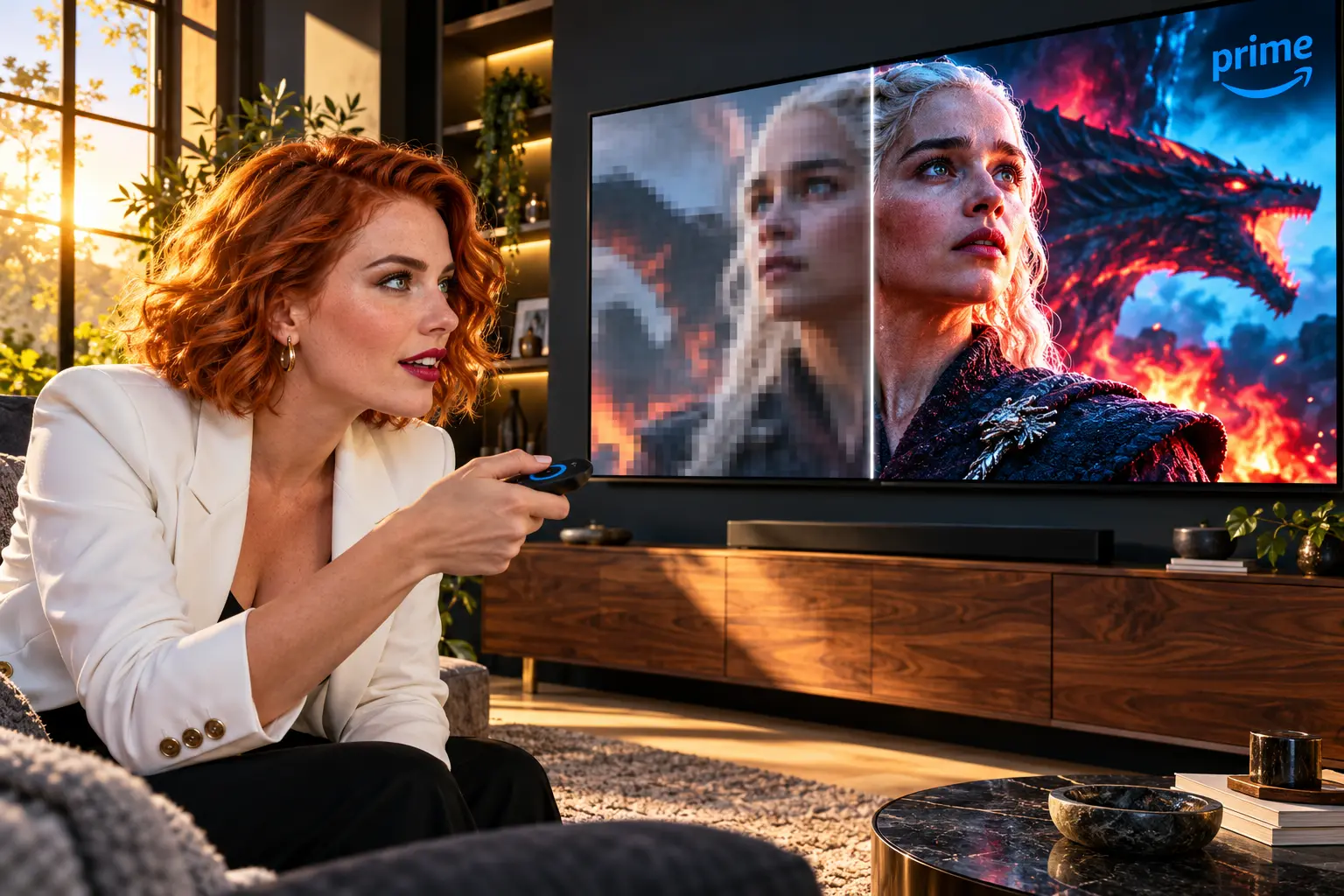
On a movie or series page, SD is a label for the standard-definition version Amazon is offering you. HD on the same page means high definition, and UHD means ultra high definition. Amazon staff describe the gap between those three as the number of pixels in the picture, with UHD at the top and SD at the bottom. Each step is a higher picture, and a 4K TV with a fast connection is the case they point to when someone asks which paid copy to choose.
Those three letters are easy to mix up with the other short labels on the same line. Hovering a badge on a computer brings up a short explanation, and the set people ask about most often breaks down like this.
- SD: Standard definition, the lowest picture tier.
- HD: High definition, a sharper tier than SD.
- UHD: Ultra high definition, the highest picture tier, the one shoppers often call 4K.
- HDR: A separate video option, high dynamic range, not another word for HD.
- AD: Audio description, a spoken track that describes the scene, not a picture mode.
A title can carry more than one of these at once. An included Prime show might list HD and HDR, while a rental button next to it offers a cheaper SD copy and a pricier HD or UHD copy. The letters on the button are the version you are about to license. They do not promise that every screen in the house will actually play that version.
Why Does Prime Video Play in SD?
Prime Video turns the picture up or down with the connection it has. For a live event, the published guidance is a minimum download speed, and the player then sends the highest quality that speed can hold. The same idea shows up when a movie buffers: the app would rather drop toward SD than stop the picture. A fast speed test on your phone, taken next to the router, can still hide a weak signal at the TV.
| What you are using | Picture you can get | What you can change |
|---|---|---|
| Phone or tablet app on full Prime | Follows Data Saver, Good, Better, or Best | Streaming quality, set apart from download quality |
| Prime Video Mobile Edition | Standard definition only, one title on one phone | Upgrade to a full Prime Video plan for more devices |
| Windows or Mac, browser or app | Up to HD, not Ultra HD | Good, Better, or Best in the playback gear menu |
| Chrome OS, Linux, or another OS | Standard definition only | A different browser does not lift this cap |
| Many TV and set-top apps | Whatever the connection will carry | Often no quality menu at all |
| Live event | Highest quality the bandwidth allows | Help page floors of 1 Mb/s for SD and 5 Mb/s for HD |
The live streaming help on Prime Video is where those 1 Mb/s and 5 Mb/s floors are written down, for live events rather than as a promise about every film. Staff answering ordinary Fire TV speed questions repeat the same pair. Amazon Help on Ultra HD speeds has also put live Ultra HD at 15 to 20 Mbps in that same kind of guidance. Treat the three speeds as floors for live picture tiers, not as a count of gigabytes.
Two plan and device rules override a fast line. Where Prime Video Mobile Edition is sold, the Amazon Prime Video usage rules limit that plan to standard definition in the phone app, one title at a time, on a single device. On a computer, the Prime Video system requirements for computers cap browsers, the Windows 10 and 11 app, and macOS 11.4 or later at HD, and they restrict every other operating system to standard definition. People who measure the Linux picture describe a 960 by 480 frame. That measurement is not Amazon’s written spec for SD, but it matches the cap the help page states.
How to Change Streaming Quality in Prime Video
You change quality in the player or in the app’s settings, and the menu is not the same object on every screen. A choice you make on the phone does not rewrite the gear menu in a browser, and a TV app may not offer a choice at all. Set the device you actually watch on, then confirm the hourly data line under the option you picked.
How to Set Quality in the Prime Video App
On a phone or tablet, streaming quality and download quality are two controls. Lowering one leaves the other where it was, so a small download setting does not by itself soften the next thing you stream.
- Open the Prime Video app and tap My Stuff.
- Tap the gear icon, then Stream & Download. Older builds say Streaming and Downloading.
- Open Streaming Quality and pick Data Saver, Good, Better, or Best. The app prints an hourly data estimate under each name.
- If you are on Wi-Fi and the picture stays sharp, turn off Use highest quality on Wi-Fi, or the high setting can override a lower choice.
- Open Download Quality and set that separately if you save episodes for offline.
Amazon staff telling a customer how to stay on SD in July 2025 said Data Saver and Good both stream in standard definition on the phone app. Best is the top of that list, and it still cannot pass the cap of the device. A phone on Mobile Edition stays at SD no matter which name you tap.
What Does the Browser Gear Menu Offer?
In a browser, start the title, pause it, and open the gear in the playback controls. Staff describe three names there: Good, Better, and Best. Best is the default until you change it, and the choice sticks for later plays in that player. Supported browsers on this page are Chrome, Firefox, Edge, Safari, and Opera.
| Web player option | How one staff reply mapped it | Data that reply listed |
|---|---|---|
| Good | 480p | 0.38 GB per hour |
| Better | 720p | 1.40 GB per hour |
| Best | Full HD | 6.84 GB per hour |
That mapping comes from an Amazon staff reply on October 15, 2024, about the web player’s video quality menu. A later staff reply, on July 11, 2025, told a customer that Good and Better on the browser typically use SD. The two replies do not describe one fixed ladder. If you need the softer picture, start at Good and read the hourly line the player is showing you today. If that line is still heavy, you are not on the low tier yet.
TV Apps With No Quality Control
NO GEAR MENU
- Fire TV path: Forum replies for Fire TV go through Settings, then Preferences, then Data Usage Monitoring, which you turn on before Set Video Quality offers Good, Better, and Best.
- Plain TV apps: The Prime Video app inside some TVs and set-top boxes has no quality list, which staff have confirmed when the gear icon is missing.
- A stick as a workaround: People in that spot move playback to a Fire TV device so the data-monitoring control exists, then leave the TV’s own app alone.
When the app will not let you pick, the connection is the only lever. Pause other downloads on the same network, and test speed beside the set rather than beside the router. Under the 5 Mb/s HD floor staff quote, the player has little room to leave SD on a live stream, and a film will drop the same way when the line sags.
Data Use for an SD Stream on Prime Video
There is no single gigabyte figure you can memorize for SD. The honest number is the one printed under the setting on the device in your hand, because that estimate is built for that device’s ceiling. Two households can both select Best and burn very different amounts of data.
SAME LABEL, DIFFERENT HOURS
- Web player, staff menu: Best was listed at 6.84 GB per hour on October 15, 2024, against 0.38 GB per hour for Good, which is 18 times the data.
- One iPhone, September 2023: A customer saw Best at 5.8 GB per hour, Better at 2.9, Good at 1.8, and Data Saver at 0.6.
- Other phones that week: The same four labels read 1.82, 0.77, 0.27, and 0.14 GB per hour.
Those phone readings are one customer’s comparison, not a rate card. Staff answering him said Prime Video adjusts quality to the device and the connection, which is why the in-app math can move while the words Good and Best stay put. Use the web-player pair when you are in a browser and the staff menu still matches it. Use the line on your phone when you are in the app. Do not average them into a universal SD rate.
A three-hour film on that web menu is the clearest way to feel the gap. Good at 0.38 GB per hour comes to 1.14 GB for the film. Best at 6.84 GB per hour comes to 20.52 GB. On a capped mobile plan, that is the difference between an evening and a bill. Mbps figures from the live help page are a different quantity: they are a minimum speed, not a forecast of gigabytes.
Buying or Renting the SD Copy
When a store button says SD, you are licensing the standard-definition digital version of that title. You are not ordering a disc. The page sets the price for that title alone, so a gap you saw on one movie is not a rule for the next one. If you mostly watch on a phone, open both the SD and HD prices on that page before you pay, because the extra sharpness shows more on a large TV than it does on a small screen you hold at arm’s length.
Buying HD does not lock the player at HD. The app still serves the highest quality the bandwidth can hold, so a weak evening on the home line can play your HD purchase at an SD-like picture until the connection recovers. The license is the ceiling you paid for. The stream is whatever gets through.
Included-with-Prime titles work differently from a purchase button. The show can be in your membership and still carry HD or UHD badges for the formats that copy supports. Playback drops to SD only when a limit in the table above gets in the way. On Mobile Edition, that limit is the plan itself.
Downloads follow their own clock. For a title included with Prime, you typically have 30 days to start watching after the download finishes, then 48 hours to finish once you press play. Rental windows are written on the title page. They are commonly 30 days to start and 48 hours once playback or the download begins. A purchased download, when the title allows one, is yours to keep under the Prime Video terms, on up to four compatible devices.
Fixes When Prime Video Will Not Leave SD
Work from the cap that is actually in force. A setting change cannot beat a plan or an operating system, and a speed upgrade cannot beat a menu that is pinned to Good.
- Read the badge on the title. If the only version for sale is SD, no device will invent an HD stream of that copy.
- Check the plan. Mobile Edition is standard definition by the usage rules.
- Check the computer. Windows and Mac can reach HD in a supported browser. Chrome OS and Linux stay at SD.
- Open streaming quality on the phone, or the gear menu in the browser, and move it up one step. Confirm Use highest quality on Wi-Fi is on if you want the jump at home.
- Test download speed next to the TV. For live HD, staff point to 5 Mb/s. A result well under that explains a soft picture before any other setting does.
- Pause big downloads on other devices, then restart the Prime Video app. If the TV app has no quality list, try a player that does, such as a phone on Wi-Fi or a Fire TV with data monitoring turned on.
Ultra HD will not appear in a browser even after all of that. Computer playback stops at HD. For the top tier you need a TV, stick, console, or other device Amazon lists as supporting Ultra HD, plus a connection that can hold the live Ultra HD floor when the program is live. HDR on the badge still depends on that device being able to show it.
Frequently Asked Questions
Does an SD Purchase Include a Disc?
No. An SD purchase is a digital license you stream, and download when that title allows downloads. Nothing is mailed. The account can stream up to three videos at once, while that same purchased video plays on no more than two devices at the same time.
What Speed Does Live Ultra HD Need on Prime Video?
Amazon Help has put live Ultra HD at a minimum download speed of 15 to 20 Mbps, in the same guidance that sets lower floors for SD and HD. A browser still will not play that tier. Ultra HD needs a supported TV app or streaming device.
Can Two Devices Play One Rental at Once?
No. The same rental plays on one device at a time. You can start it on one screen and later stream it on another, as long as both are not playing together. A purchase of that same title is the version that allows two devices at once.
Will a Chromebook Play Prime Video in HD?
No. Playback on an operating system other than Windows or macOS is restricted to standard definition, and Chrome OS sits on that side of the line. Installing another browser does not remove the cap. A Windows or Mac computer on a supported browser can reach HD.
Is HDR the Same as HD on Prime Video?
No. HD is the high-definition picture tier. HDR is a separate option, high dynamic range, listed among the video badges you can hover on a computer. A title can show an HD or UHD badge and an HDR badge together. AD next to them means an audio description track, not a clearer image.
Open the quality list on the screen you watch with and read the hourly figure under the step you can afford. That line tells you what this stream will use, and whether the SD badge is the copy you bought or only the picture the app is willing to send right now.


Gold Prices Fall to a 14-Month Low Despite Strikes

SpiceJet Clears a Rs 5,500 Crore Raise After Mumbai Stalled

Honda Activa’s Record Month Came With a Share Loss

Sony Turns the GTA 6 Launch Into a Firmware Gate

Xiaomi 18 Leak Skips the Rear Screen for Battery

Volkswagen Sells the Osnabruck Plant to Clear a Board Fight

Apple’s Foldable iPhone Hinges on Samsung Display Supply

Saksham Gaur Finds He Is His Own Company’s Client

Tata Motors’ Iveco Tender Opens as Holders Still Decide

What Is SD on Amazon Prime?
-
 AUTO2 months ago
Volkswagen Sells the Osnabruck Plant to Clear a Board Fight
-
 NEWS3 months ago
Apple’s Foldable iPhone Hinges on Samsung Display Supply
-
 BUSINESS3 months ago
Saksham Gaur Finds He Is His Own Company’s Client
-
 AUTO3 months ago
Tata Motors’ Iveco Tender Opens as Holders Still Decide
-

 BUSINESS3 months ago
Hyderabad 22-Carat Gold Jumps After a False Bargain
-

 GAMING3 months ago
Onimusha Way of the Sword Preload Hits a Windows 11 Wall
-
 BUSINESS3 months ago
UltraTech Ultravolt Launch Splits Friday Stocks to Watch
-
 AUTO2 months ago
Simple Wave Chases Range as Ather Konarc Cuts Price