
 Ishan Crawford
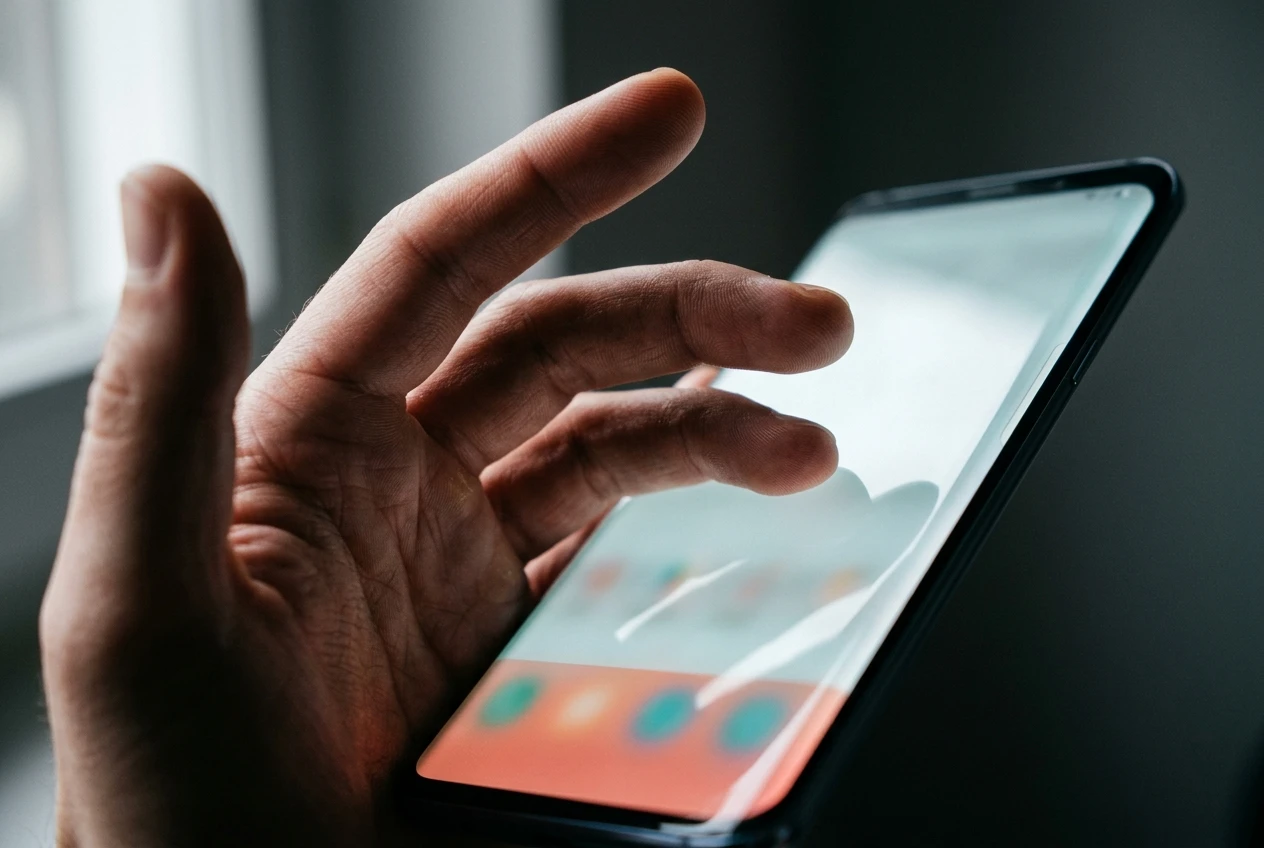
 Samsung has begun rolling out a major HomeUp update that finally gives Galaxy phones the three-finger screenshot swipe rival brands have offered for years. Version 18.0.00.24 adds customizable gestures for two, three, four and five fingers, each tied to one of 27 actions, alongside a redesigned dock and Edge panel. The update also brings official One UI 9 support to the Good Lock module for the first time.
The rollout is live only in South Korea right now, gated to Galaxy phones already enrolled in the One UI 9 beta, and it still leaves open whether the new gestures work inside apps or only from the Home Up launcher screen itself.
Five Fingers, Twenty-Seven Actions, One Long-Missing Gesture
Tipster Tarun Vats, a firmware tracker who regularly surfaces early Samsung builds, posted confirmation of the live rollout as HomeUp jumped to version 18.0.00.24. The update lets Galaxy owners assign an action to a swipe, tap, double tap, long press or pinch using anywhere from two to five fingers at once.
Each of those inputs draws from a shared menu of 27 actions, and Samsung has built in as many as 36 separate gesture slots across the different finger counts and motions. Users can also tune swipe distance for sensitivity, turn on a colored glow effect, add vibration feedback, and exclude specific apps or the keyboard from triggering a gesture by accident.
| Finger Count | Example Gesture | Assignable Action |
|---|---|---|
| Two fingers | Swipe down | Open the notification panel |
| Three fingers | Swipe down | Take a screenshot |
| Four fingers | Pinch in | Open the recent apps switcher |
| Five fingers | Pinch in | Return to the Home screen |
The changelog also mentions a DIY home screen auto-arrangement tool and a new sticker action function, both aimed at the same power users who already treat Good Lock as a second operating system layer on top of Samsung’s own.
Why the Three-Finger Screenshot Took This Long
Xiaomi, Oppo, realme and other major Chinese Android brands have shipped a three-finger swipe for screenshots as a default for years. Samsung stuck with a palm swipe instead, a motion that works but feels clumsy next to a quick multi-finger drag, and that holdout has created friction for users switching between ecosystems.
Good Lock has been Samsung’s answer to exactly this kind of gap for a decade, offering modules that push past what the standard settings menu allows. The scale of that ecosystem is not small. Samsung’s own newsroom has said One Hand Operation Plus, a different Good Lock module, has passed 16 million cumulative downloads, ranking third among the suite’s most-used features.
HomeUp’s dock and Edge panel overhaul is just as deep as the gesture system. The new customization options include:
- Background – solid colors, gradients, patterned tiles or a fully custom image behind the dock and Edge panel
- Depth effects – independent blur, drop shadow and transparency controls
- Shape – adjustable corner radius plus horizontal and vertical padding
- Presets – built-in themes such as Mint Flow, Metal and Pastel Brush for a one-tap look
None of that existed in HomeUp before this release. The dock had been one of the few remaining fixed elements of the Galaxy home screen.
Only a Slice of Galaxy Owners Qualify Right Now
HomeUp is not part of One UI itself. It is a free download inside Good Lock, and Good Lock modules do not update automatically, so owners have to check the Galaxy Store manually to get it. That distinction matters more than it sounds, because it means the new gestures depend entirely on whether a phone is already running One UI 9.
The official Galaxy Store listing for Home Up currently states the app supports devices with One UI 8 and above, but that baseline covers the app generally. The gesture system and dock redesign are tied specifically to One UI 9, which is still in beta outside Samsung’s internal testing groups.
That beta pool is growing fast. Reporting from Forbes counted the Galaxy S23 FE, M34, Z Fold 6 and Z Flip 6 entering testing this week alongside a leaked Galaxy A37 build, which brings the total to twelve devices in active One UI 9 development, spanning the S and A series along with two foldable generations. Budget and mid-range buyers watching that list, including recent arrivals like the Galaxy A27 5G with its flagship AI features, will likely wait longest for HomeUp’s new tools to reach their tier.
For now, Samsung has confined even the beta rollout to South Korea. Anyone outside that market can sideload the APK from mirror sites, but installing software outside the Galaxy Store or Play Store carries real security risk, and most users are better off waiting for an official wave.
Do the New Gestures Work Inside Every App?
Nobody outside Samsung has confirmed yet whether the new multi-finger gestures fire everywhere on a phone or only from the Home Up launcher screen. That distinction decides whether this replaces the palm swipe as a everyday shortcut or just adds a niche home screen trick, and none of the current reporting settles it either way.
If a three-finger swipe only registers while looking at the home screen, the feature cannot compete with a system-wide gesture, because a screenshot shortcut that stops working the moment someone opens an app solves only part of the problem it was built for. Samsung has not addressed the question publicly.
What We Know
- The gestures support up to five fingers and can trigger a screenshot, an app switch or a return to the Home screen.
- Samsung has only confirmed the feature for Galaxy devices already running the One UI 9 beta.
- HomeUp sits inside Good Lock, a separate download layer, not inside One UI’s core code.
What’s Unconfirmed
- Whether a gesture works while a user is inside a third-party app or only from the launcher screen.
- Whether Samsung plans to eventually fold this gesture system into One UI directly.
- When the feature reaches Galaxy owners outside South Korea.
Samsung’s broader One UI 9 push is already reaching beyond phones. Leaked details around the Galaxy Watch 9’s incremental hardware changes point to deeper Samsung Health integration arriving the same way HomeUp is arriving on phones, through software layered on top of largely unchanged hardware.
What Happens Once One UI 9 Goes Global
One UI 9 itself is still weeks from its wide debut. Samsung is expected to formally introduce it on July 22 at an Unpacked event in London, where the Galaxy Z Fold 8, Fold 8 Ultra and Z Flip 8 are set to ship with the software preinstalled. Broader reporting puts a stable rollout for the Galaxy S26 and other eligible devices around September, though Samsung has not confirmed that window.
HomeUp’s own path to a stable, global release looks similarly gradual. The current build is expected to spread across Galaxy S26 units on the One UI 9 beta before Samsung opens it to older flagships, and only after that would the gesture system and dock redesign reach the millions of Galaxy owners still running earlier software.
Frequently Asked Questions
What is Samsung’s HomeUp app used for?
HomeUp is a free module inside Samsung’s Good Lock suite that changes how a Galaxy phone’s home screen, Edge panel and app dock look and behave, sitting alongside other modules like NavStar and LockStar. Because Good Lock modules do not update automatically, owners need to check the Galaxy Store’s Updates tab directly rather than wait for a notification.
How do I install the new HomeUp update?
Open the Galaxy Store, go to Good Lock, and look for an update icon next to the Home Up listing, or tap Update All if several modules need refreshing. Right now that update only appears for accounts registered in South Korea, so anyone elsewhere would need to change their store region or wait.
Is it safe to sideload the HomeUp APK early?
It can work, but installing an APK from outside the Galaxy Store or Play Store carries genuine security risk, since there is no automatic verification that the file matches Samsung’s official build. Waiting for the staged regional rollout avoids that risk entirely, and Samsung typically completes these waves within weeks once testing wraps up.
Which Galaxy phones will get the new gestures first?
Galaxy S26 series units enrolled in the One UI 9 beta in South Korea have it now. Samsung is also testing One UI 9 on the Galaxy S23 FE, S24 FE, S25, several A-series models and the Z Fold 6 and Z Flip 6, but Good Lock updates often lag an operating system’s own rollout by weeks even after a device qualifies.
Will the new gestures replace the palm swipe screenshot method?
Not necessarily, and Samsung has not said it plans to remove palm swipe as an option. The new multi-finger gestures are an addition inside Good Lock rather than a change to One UI’s core software, so both methods can likely coexist once the scope of the new gestures is confirmed.
 ONGC licence frees Venezuela cash and operatorship talks
  Anthropic Hits $65 Billion Run Rate and Flips the AI Cash Test
  Supreme Court grounds the fare free-for-all with three-week clock
  Gold Nears $4400 as Soft Data Meets Oil Inflation Risk
  Nifty Slips as Zaggle Circuits and Dhoot Debuts Big
  Diesel Crack Tops $100 as Iran Rhetoric Lifts Crude